

Service Trigger Editor
Control Windows services with custom start stop rules
Description
Service Trigger Editor lets you define precise conditions for when Windows services should activate or deactivate. Instead of letting non-essential services run 24/7 and drain your computer's memory and CPU, you can set them to start only when a specific event occurs—like a user login, a network connection, or at a scheduled time. This intelligent management reduces system resource clutter, leading to a faster, more responsive PC and improved battery life for laptops. It's the smart way to streamline your system's performance without manual intervention.
Screenshots
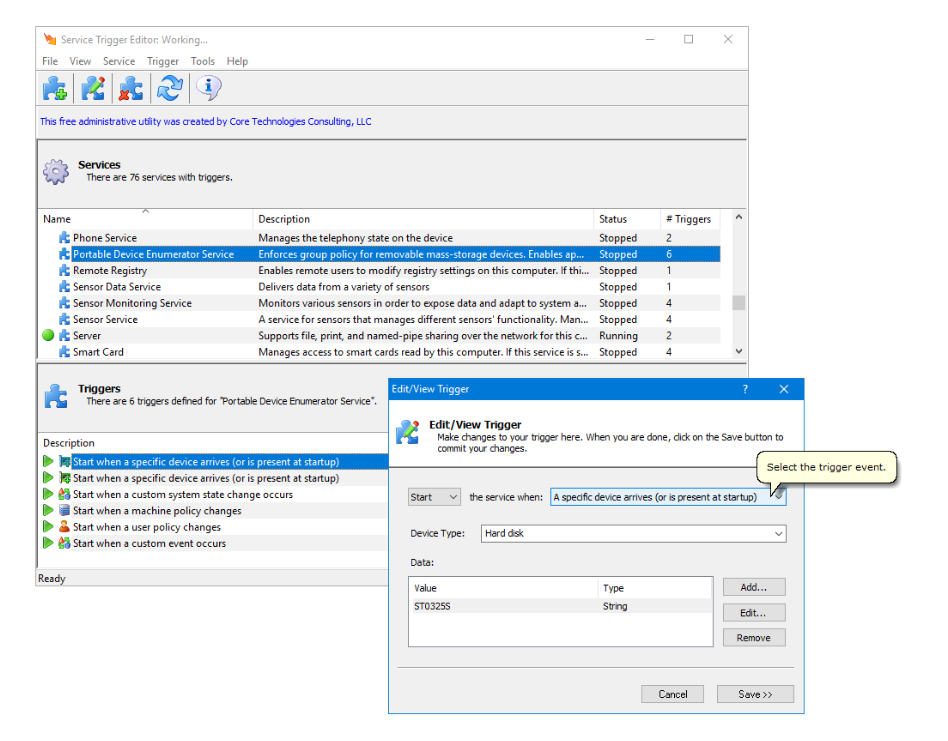
Click to view full size